Employer File
The employer file can be accessed via the menu tree shown immediately below, but most often is accessed from the patient data entry screen when entering patient employment information. The functionality of the employer file is practically identical to the patient file, and thus only some differences are discussed here. For a detailed description of how the employer file is accessed, utilized, etc. see the detailed writeup of the patient file. The employer file is also accessed from the main menu, as shown below.
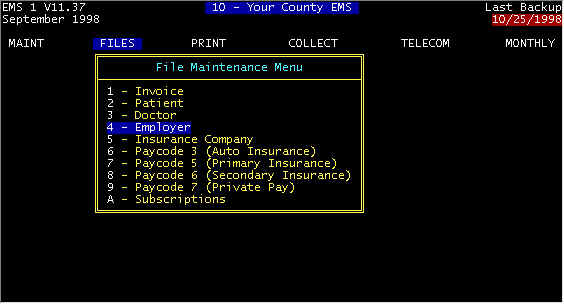
Screen 1 Main Menu-FILES
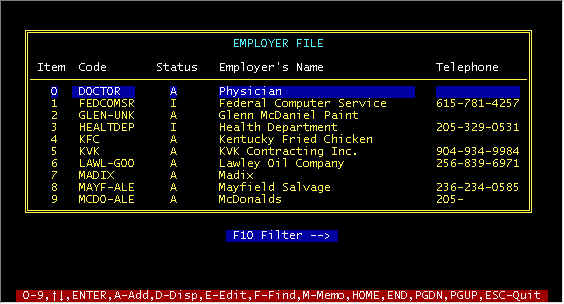
Screen 2 - Main Employer Screen
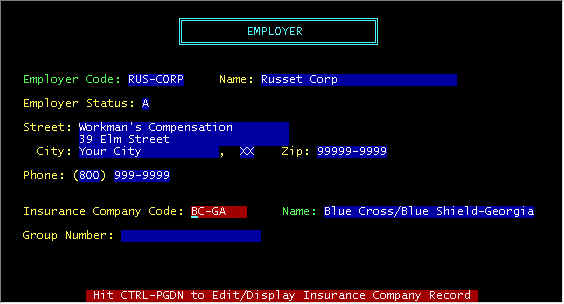
Screen 3 -- Detail Employer Screen
Employer information can be entered for each patient, but most generally is only entered for workman's comp claims. data in this screen is self explanatory. When you come to the insurance company code, you must either access the Insurance File or add an insurance company to the Insurance File.