Manual / Not Posted Invoice Display
Not Posted Invoice Display
Back to Table
of Contents
Display invoices with Charges not Posted
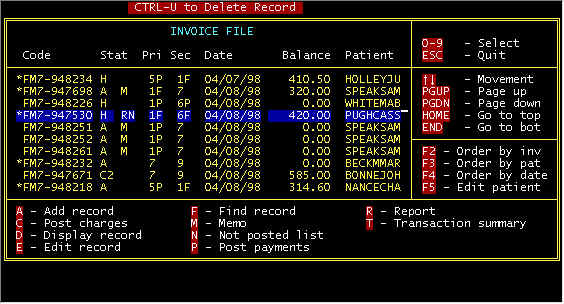
From the main invoice screen (below) selecting N-Not posted list will display all invoices for which charges have not been posted.
Display invoices with Charges not Posted
From the main invoice screen (below) selecting N-Not posted list will display all invoices for which charges have not been posted.
Screen 1-Main Invoice |
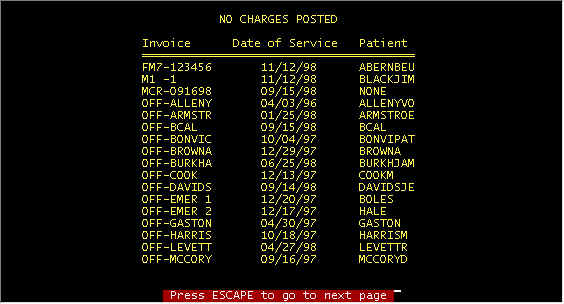
Invoices With Charges Not Posted
This is not a great display, since a live database was used, and fake invoices have been added to account for payments in previous periods that were written off, and recent payments have been received. However, this display demonstrates the use of this display.
Content adapted from the CES EMS Fast Cash Billing Manual on ces-web.com. For support call (706) 882-4704 or email mail@ces-web.com.