Manual / Messages
Messages
The Message database allows user-defined messages to be printed on invoices and statements for a variety of due/overdue conditions as well as primary/secondary payor status.
Screen 1 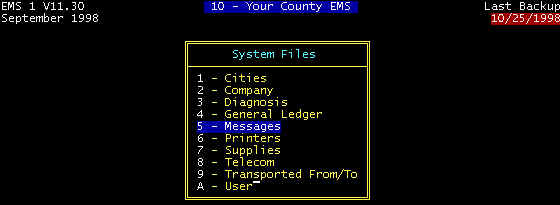 Screen 2 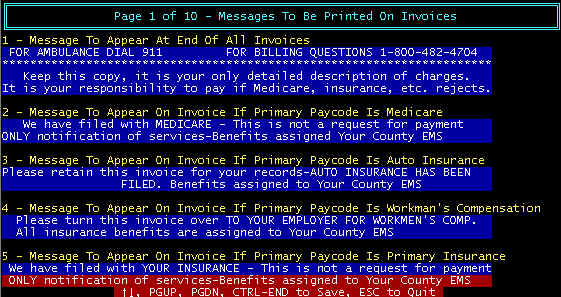 Screen 3 |
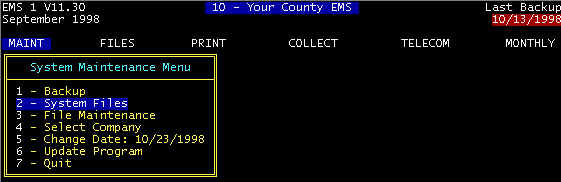
Messages are printed on invoices and statements. With the many payment conditions, overdue status, etc. a large bank of account conditions with corresponding messages are required, resulting in multiple message screens, one being shown as screen 3 above.
The account condition can be determined by the program, and is shown in yellow - this cannot be user-defined. The corresponding message can however be defined, as shown in white lettering with blue background. The user can edit (change) messages, but not the account condition.