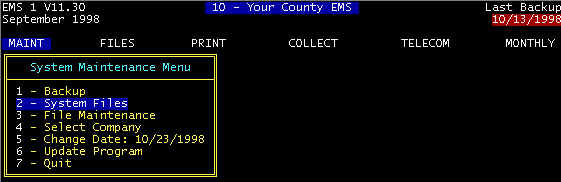
Screen 1
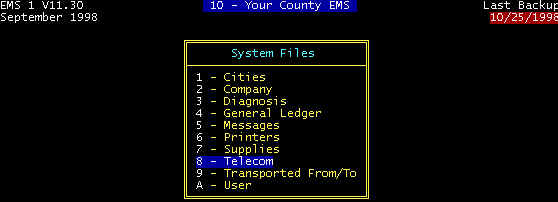 Screen 2
 Screen 3 - Medicare Transmission Parameters
Phone Number -- This is the phone number of the Medicare computer that receives the
data transmission, and the number dialed by your MODEM. Note that in the screen there is a
comma between the 9 and the phone number. This is required if you dial 9 to get an outside
line (the comma pauses after the 9 to receive a dial tone before proceeding with dialing
the number). In some cases, several commas may be needed depending upon the delay time in
receiving a dial tone after dialing 9.
Test Transmission <Y/N> -- Set
to Y(es). You are initially required to go on a test basis in which case these test
claims will be scrutinized for determination putting on a permanent basis. After
successful testing, change from Y(es) to N(o).
MODEM BAUD Rate – either
the max for your MODEM or max allowed for Medicare/Medicaid – note – may be
different for Medicare and Medicaid
MODEM COM Port – depends upon your
hardware configuration
MEDICARE
Data Fields -- Certain data are required to be entered into this screen to allow
electronic claims. Some are supplied by Medicare. CES will assist
in applying for these data. The initial test is with live claims for
which you will be paid. Medicare will take a close look at these, and if a certain
percentage are "clean", you will be given a permanent ID number.
MEDICAID
Medicaid electronic claims not implemented at this time. File via HCFA1500 forms. |